















by Scott Ammerman
Torque Correspondent
While on a camping trip or even out on the trail, being able to tell what is going on with your ARB Fridge Freezer without having to get out and check in the trunk, is a huge load off your mind.
All ARB Classic Fridge Freezers made since 2014 have the ability to add wireless Bluetooth connectivity for monitoring your voltage and temperatures.
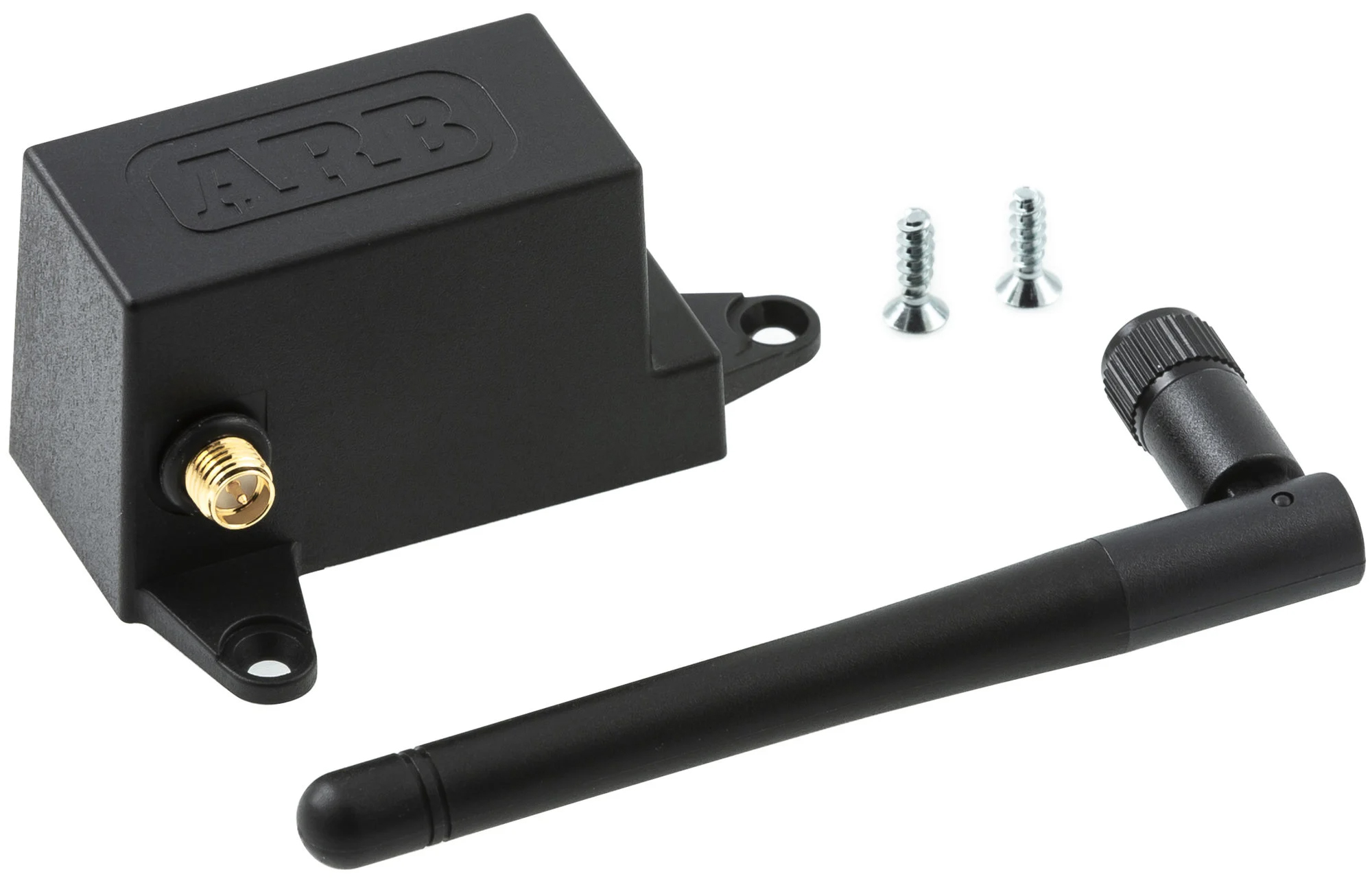
Unlike the previous version of the ARB fridge monitor, this Fridge App Module uses your smart device and an app to interface, rather than a small display unit that required mounting an additional power connection.
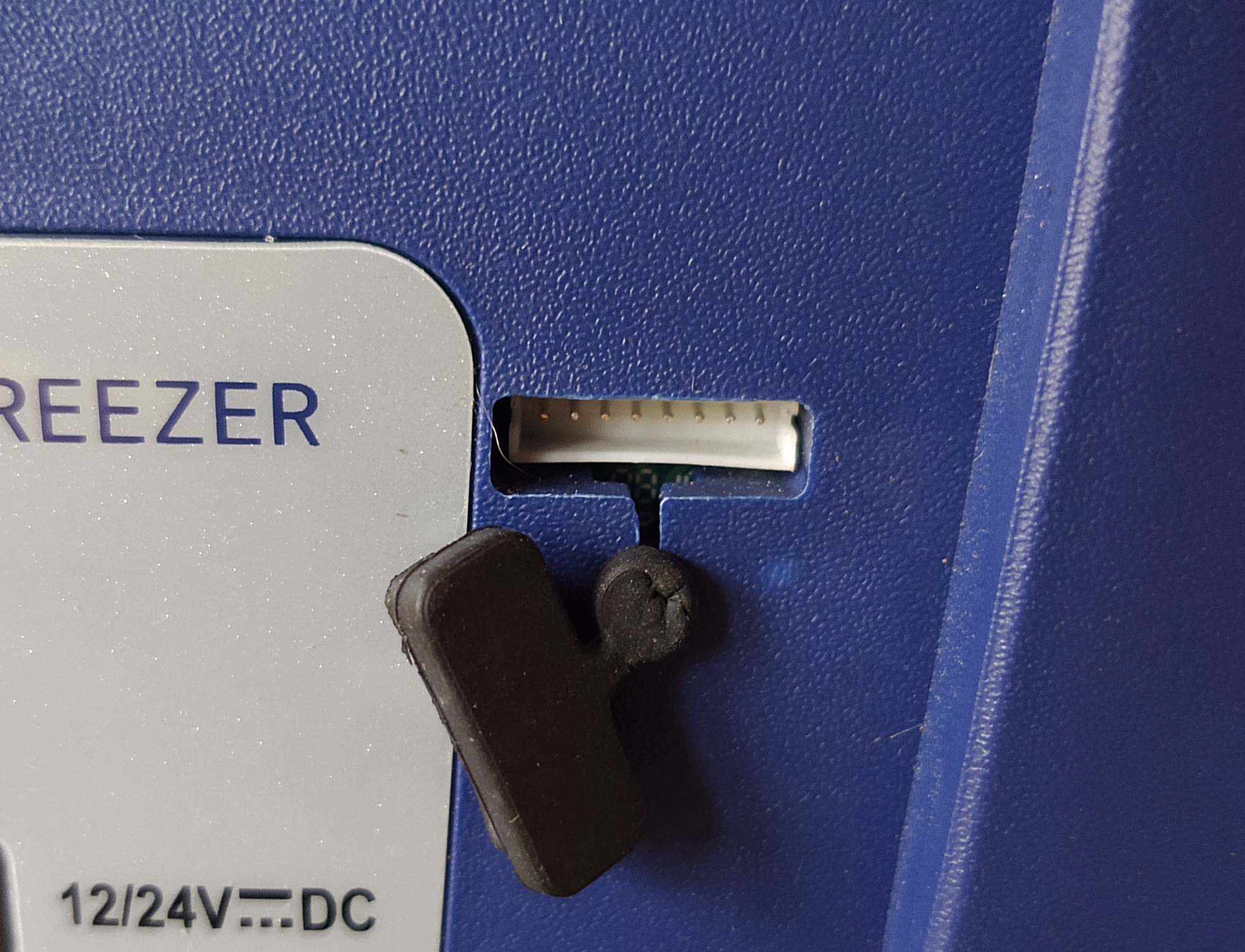
Any model with this 8-pin connector covered by a rear rubber plug near the power ports can have this module installed, which allows monitoring through a smartphone app for both IOS and Android operating systems.
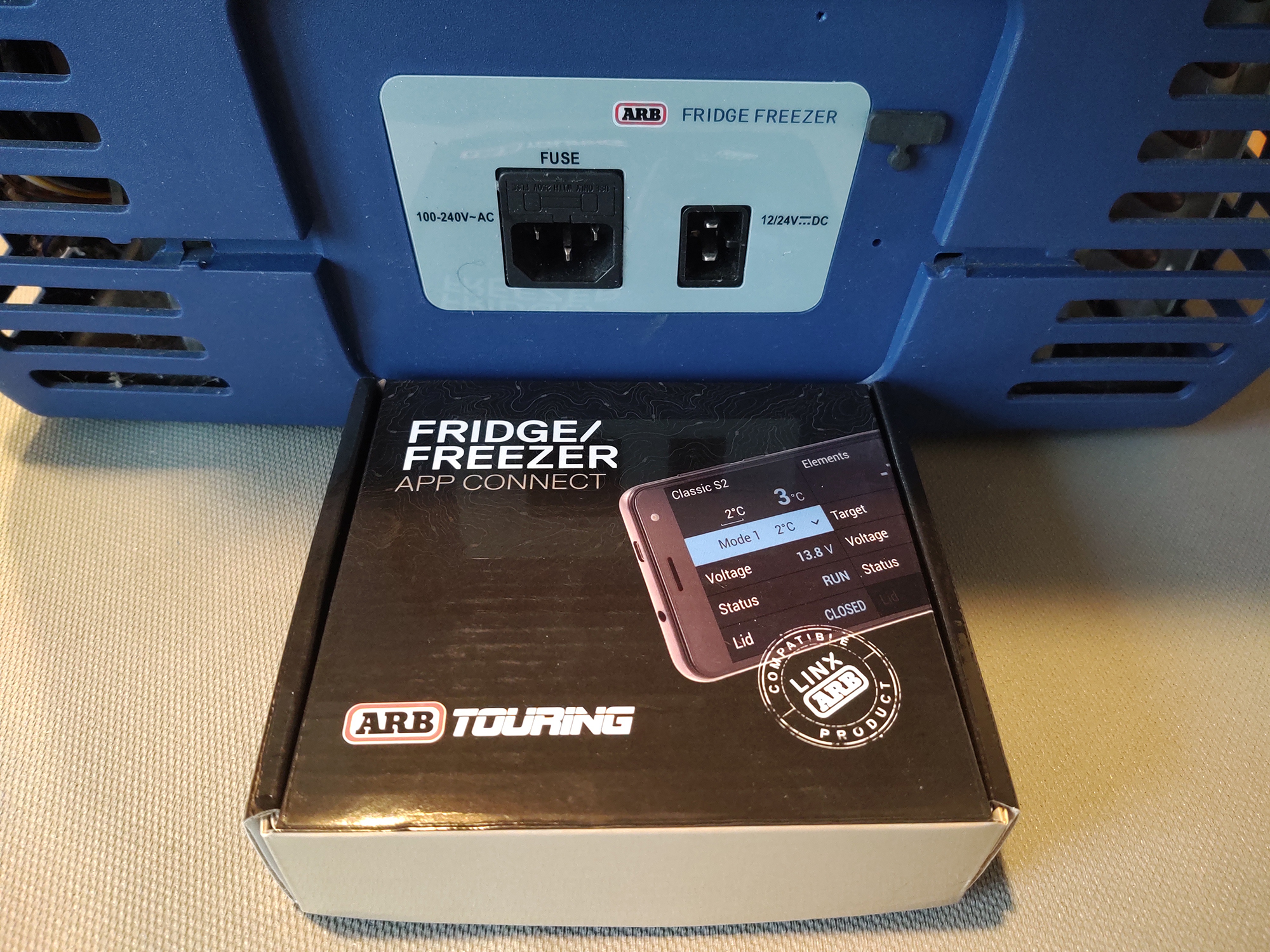
The entire installation of this module can be performed in less than a half an hour.

Inside the box you will find the App Connect module, two screws and an antenna.
Required for use:
- ARB Classic Fridge Freezer with 8-pin connector
- Small plastic pry tool to remove rubber connector plug (it can be in there very tight)
- #1 Phillips head screwdriver
- Android device running version 5.0 or later
- iOS device running version 10.0 or later (compatible with iPhone, iPad and iPod Touch)
-or-
- ARB LINX
-or-
Note: OS requirements are current as of 10/2020, and are subject to change. Please check the Apple App Store or Android Play Store for current requirements.
Begin by downloading and installing the app on your chosen device. Next, you use something small and blunt (but not made of metal) to pry the rubber plug out of the 8-pin connector on the back of your fridge freezer, above and to the right of the light gray section with the power sockets.
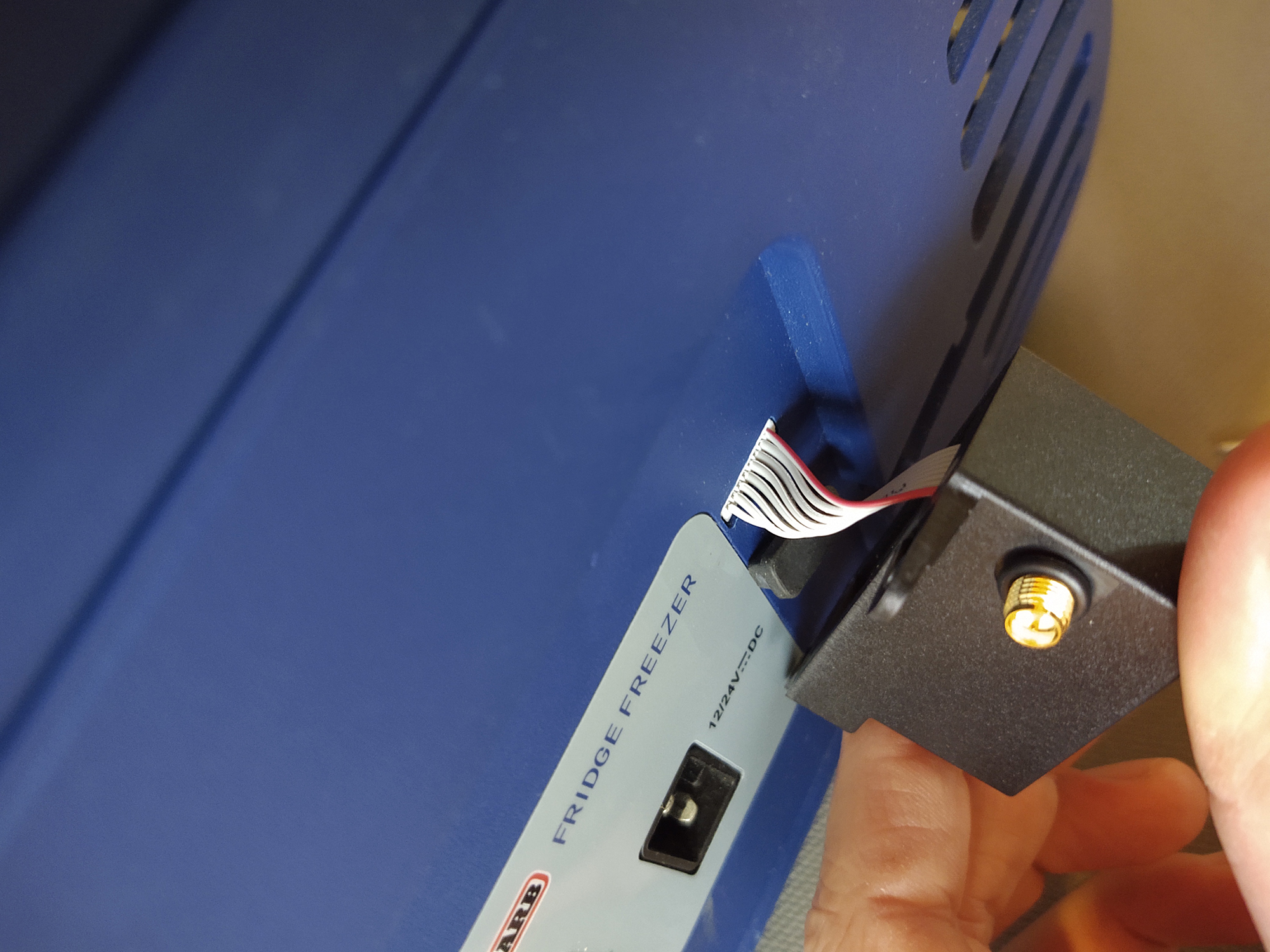
With that connector exposed, plug the module cable connector in with the red wire positioned all the way to the right.
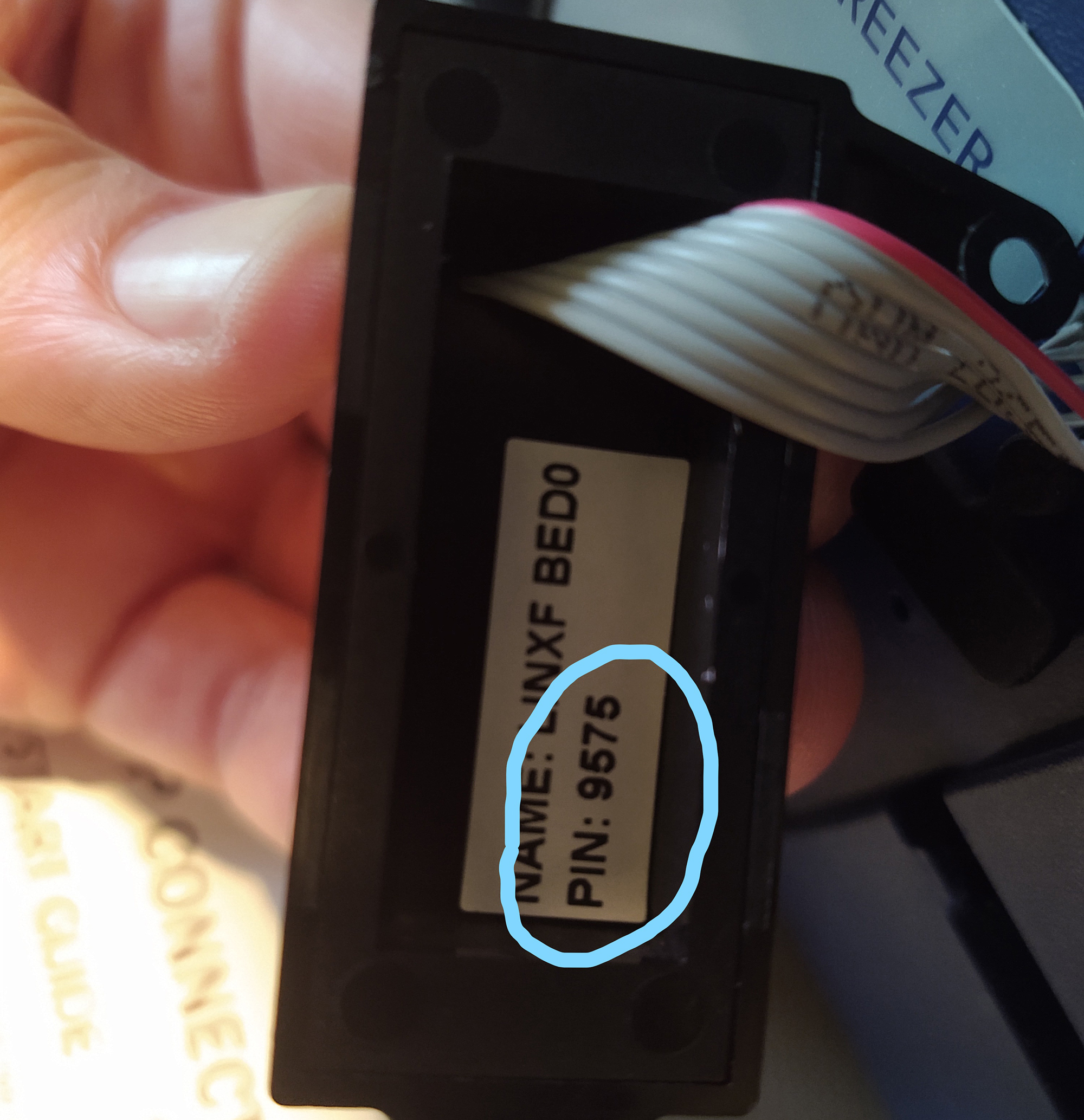
Before fastening the module itself to the case of your fridge, make note of the pin number (circled in blue, specific to your module) on the back of the unit. This will be required when pairing the fridge with your smartphone app.
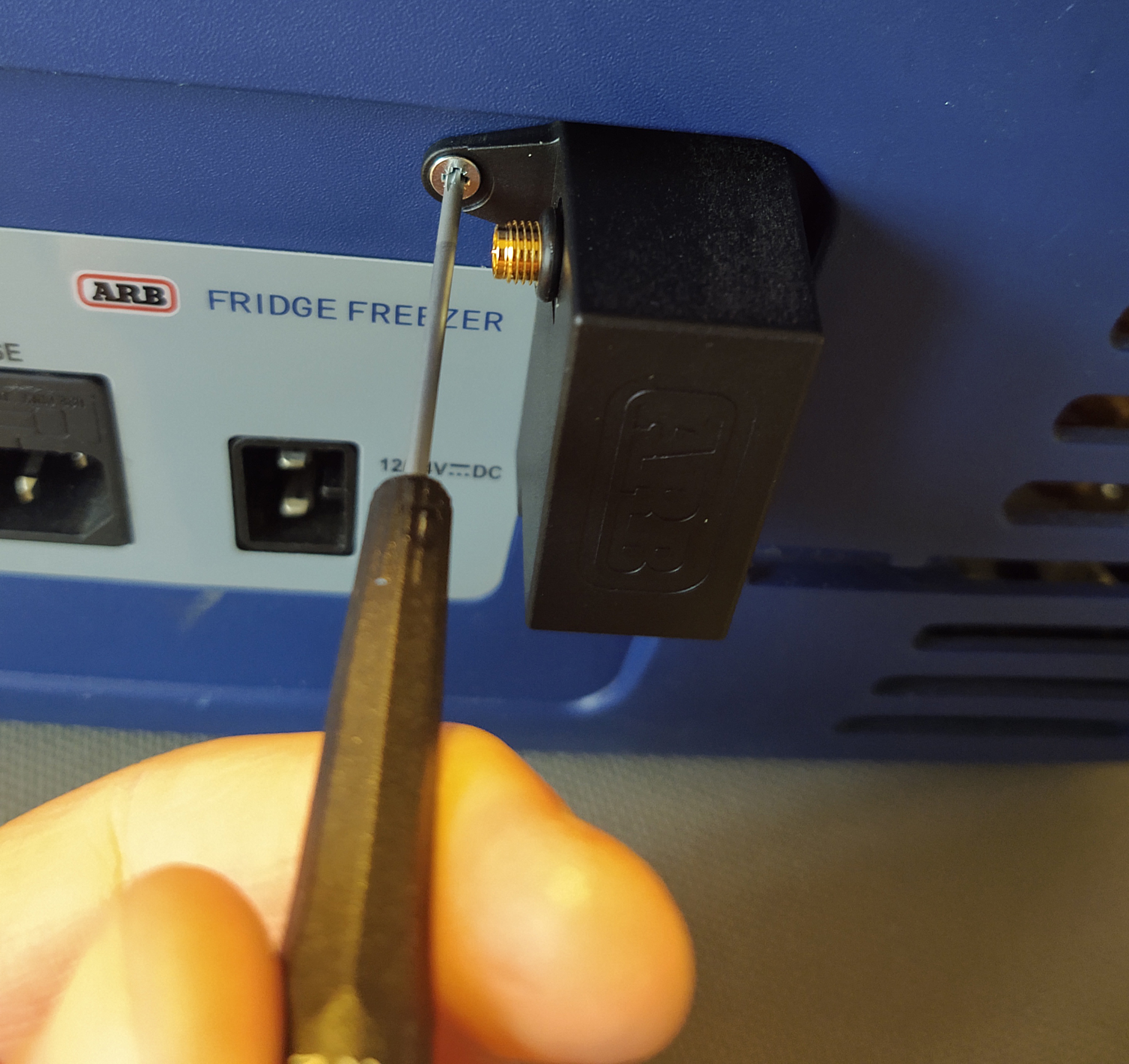
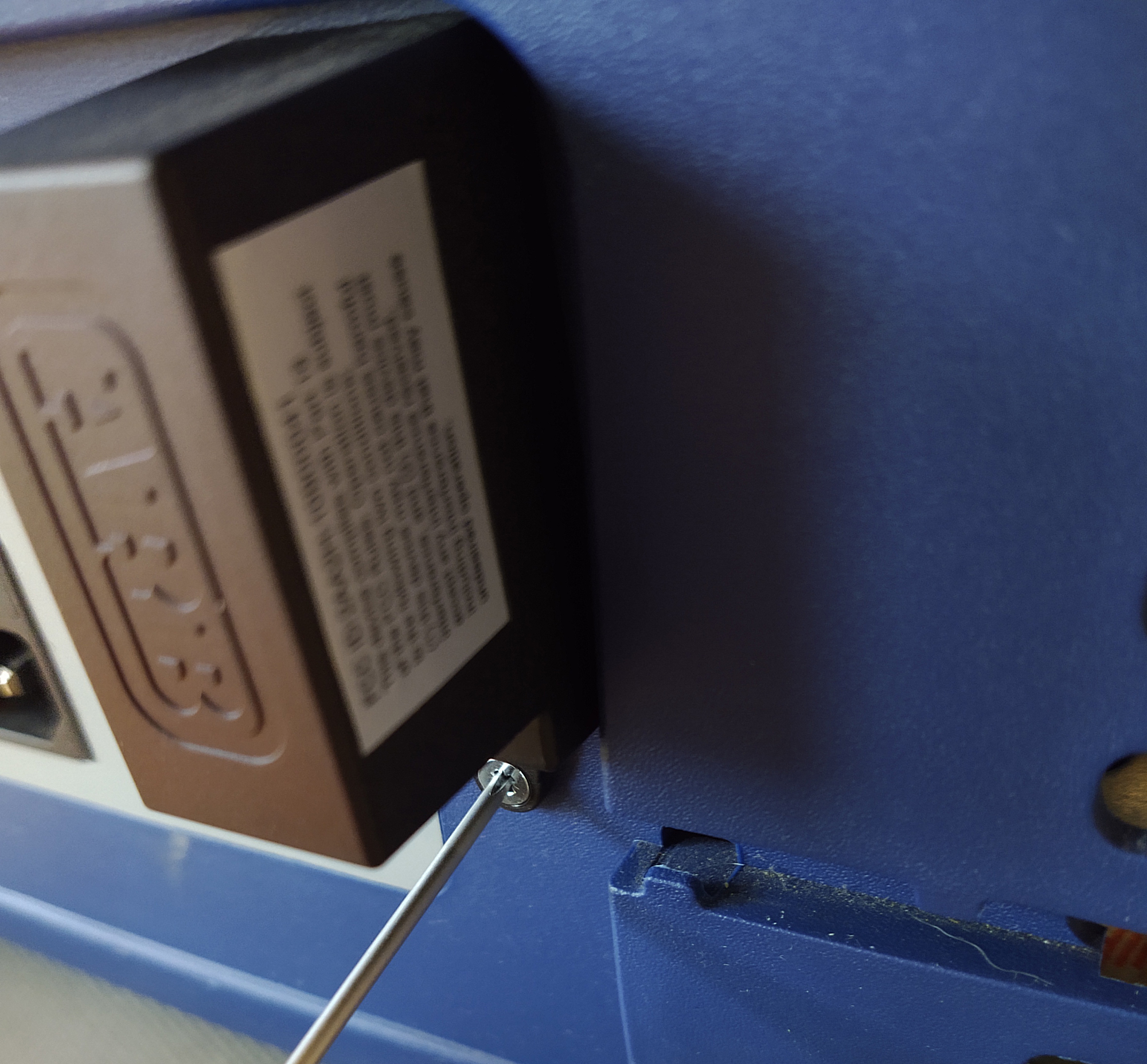
Next, using the two Phillips head countersunk screws, attach the box to the back of the fridge case in the small indentations marked by the factory.
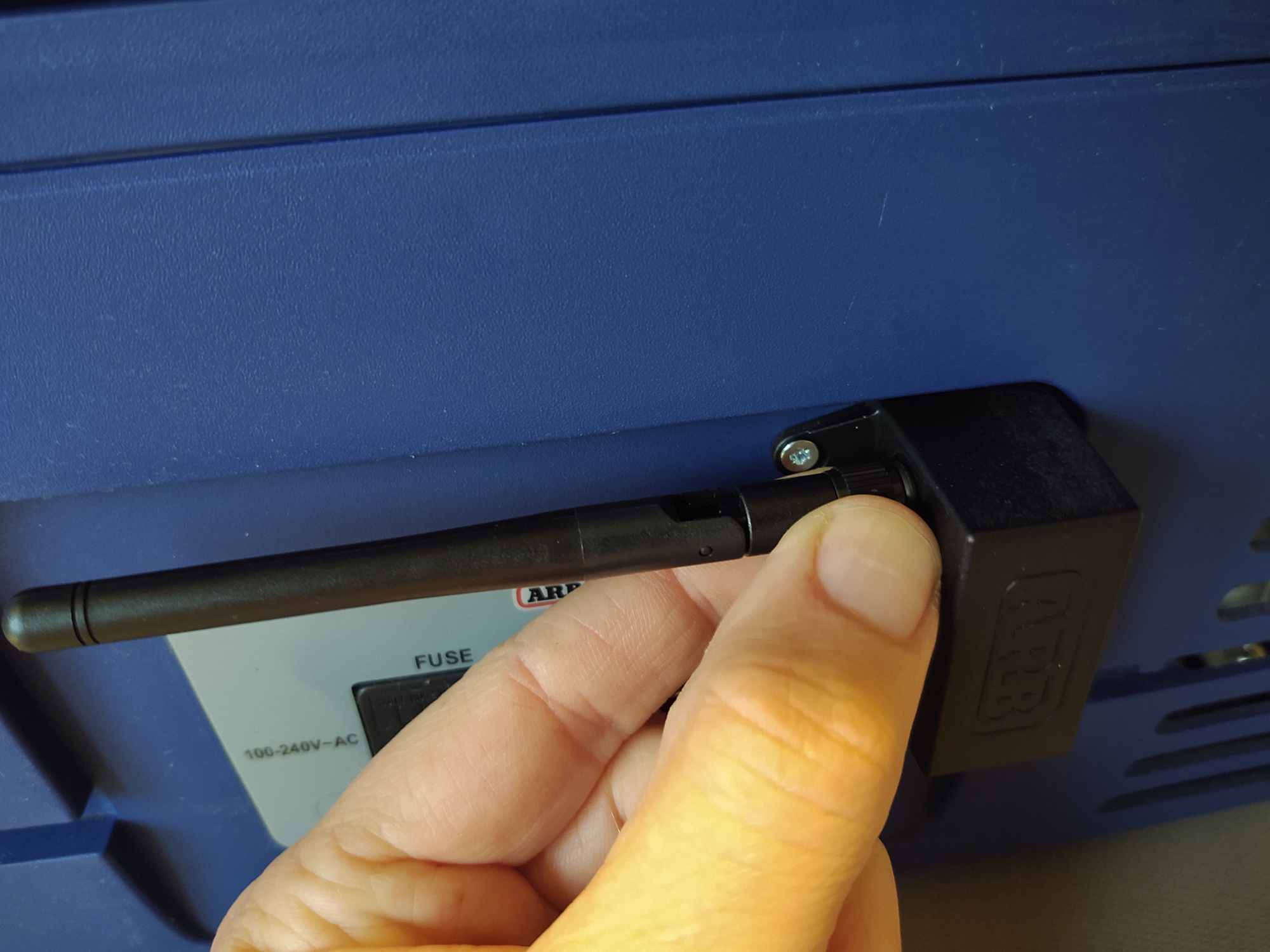
Next, install the antenna and position it with the mast facing upwards.
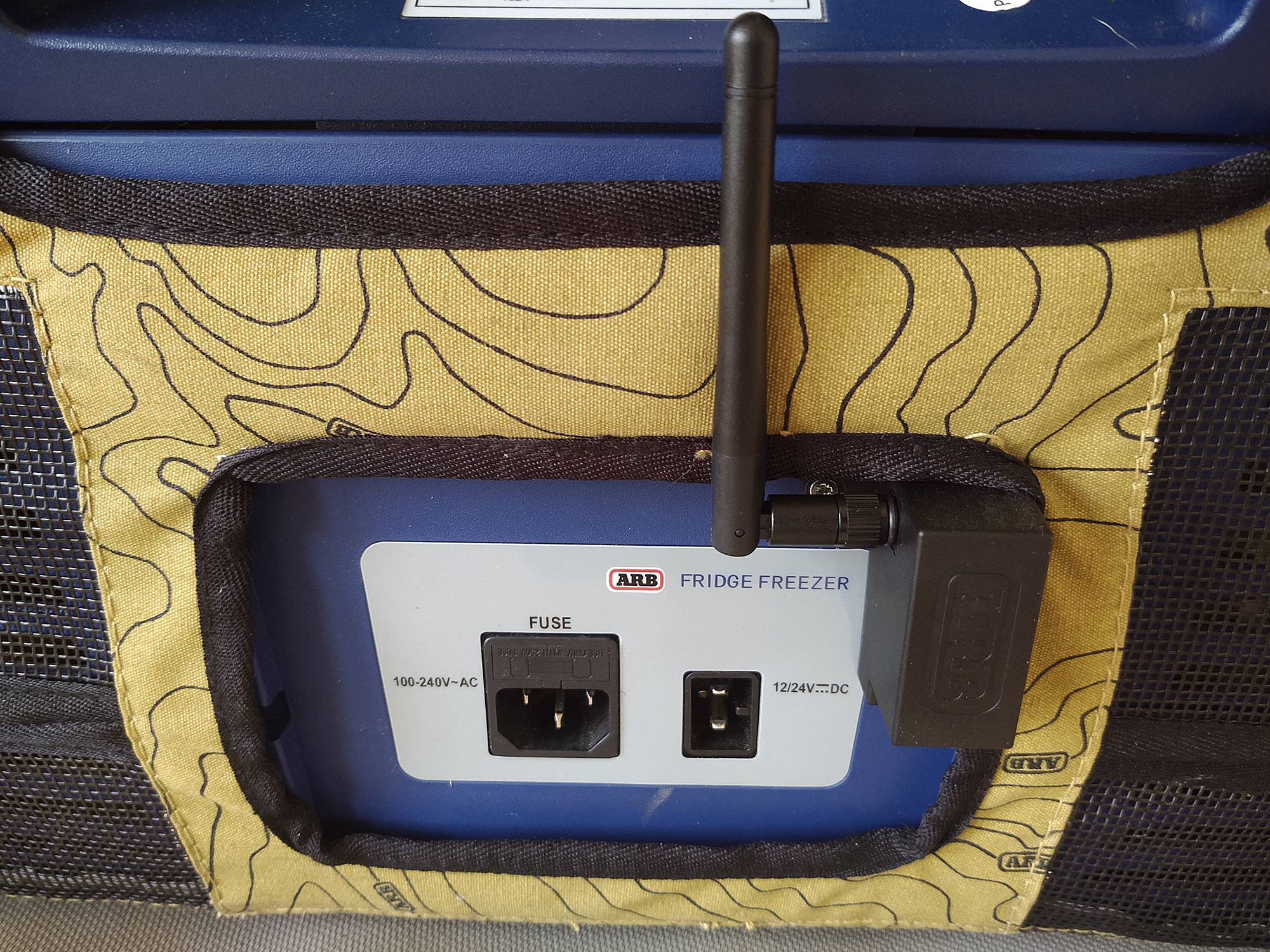
This module is shown with transit bag installed, and it is recommended that you complete pairing with it removed — in case it needs to be unscrewed again to check connections.
You may now pair the fridge to your smartphone app (Android version shown). The app will look like this when you first open it after installation.
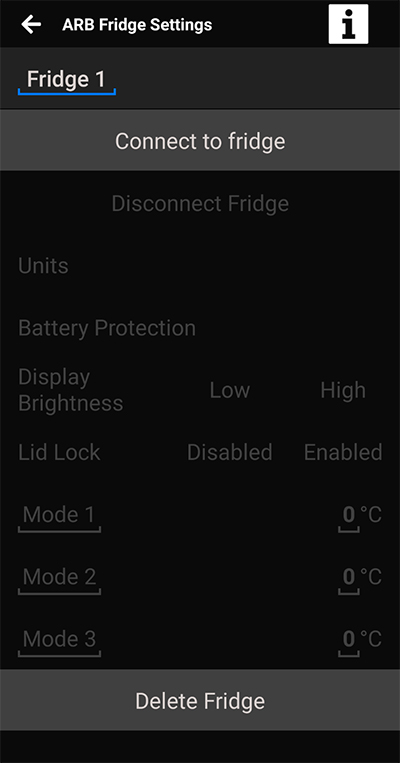
Plug your Classic Fridge Freezer into a power source; 110v house current is recommended for initial pairing.
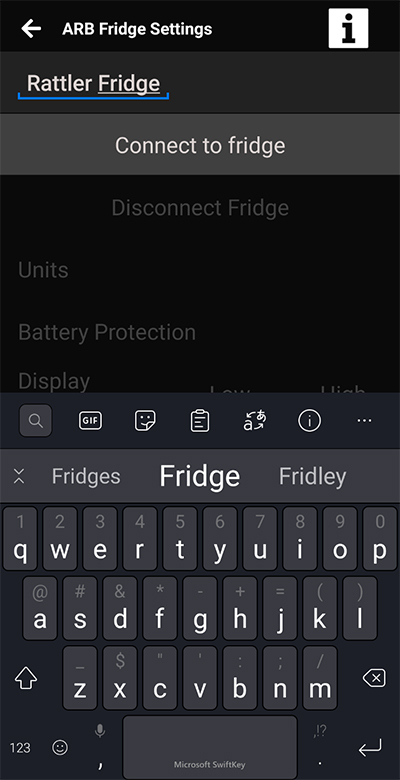
Assign a name for your fridge in the upper left hand corner, then turn the power on. Pairing must commence within the first minute of powering on the unit. Tap “Connect to fridge”.
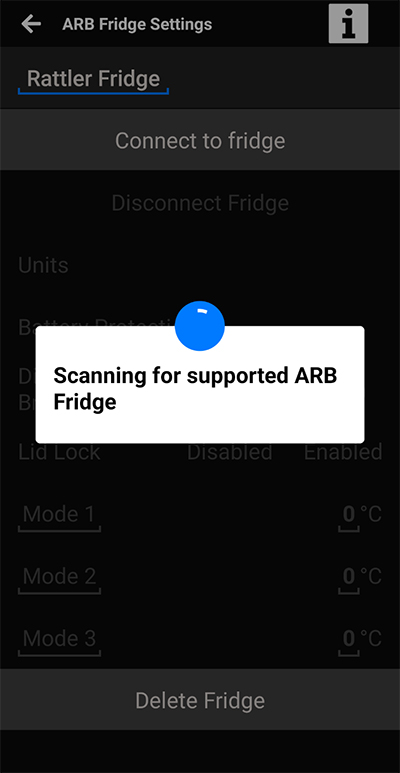
The app will scan for supported devices, then prompt you to add your pin recorded in the earlier step.
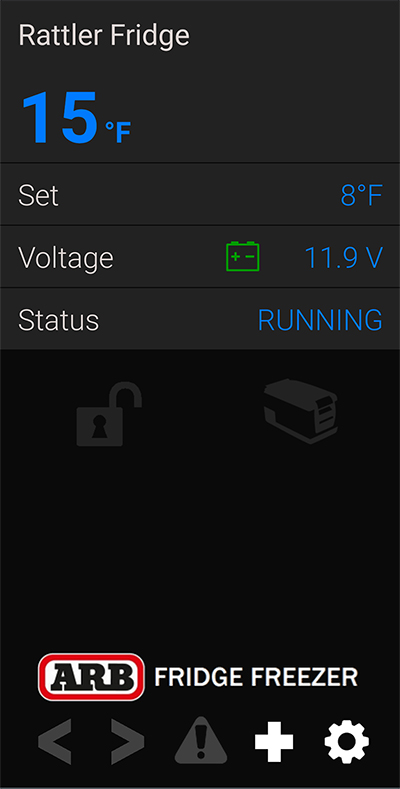
Once successfully paired, you will see this screen showing the current temperature up top, the target temperature that was set on the fridge controls, the input voltage, as well as the status of the compressor. In this case, it is marked as “RUNNING”, because it is still trying to drop to its target temperature. Once that temperature has been reached, the status will switch to “IDLE”.
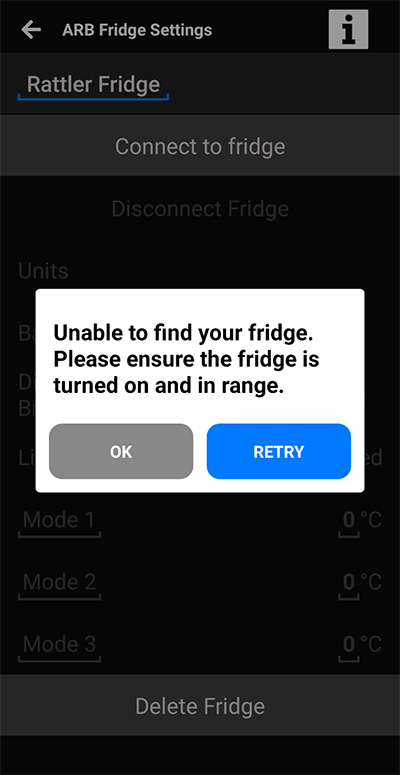
If for some reason you see this screen, then double check your connections. When those are secure, ARB recommends completely starting the procedure over with the fridge unplugged.
You may now mount the fridge freezer back in your vehicle.
For other top ARB Fridge Freezer accessory upgrades, here are are our must have items.